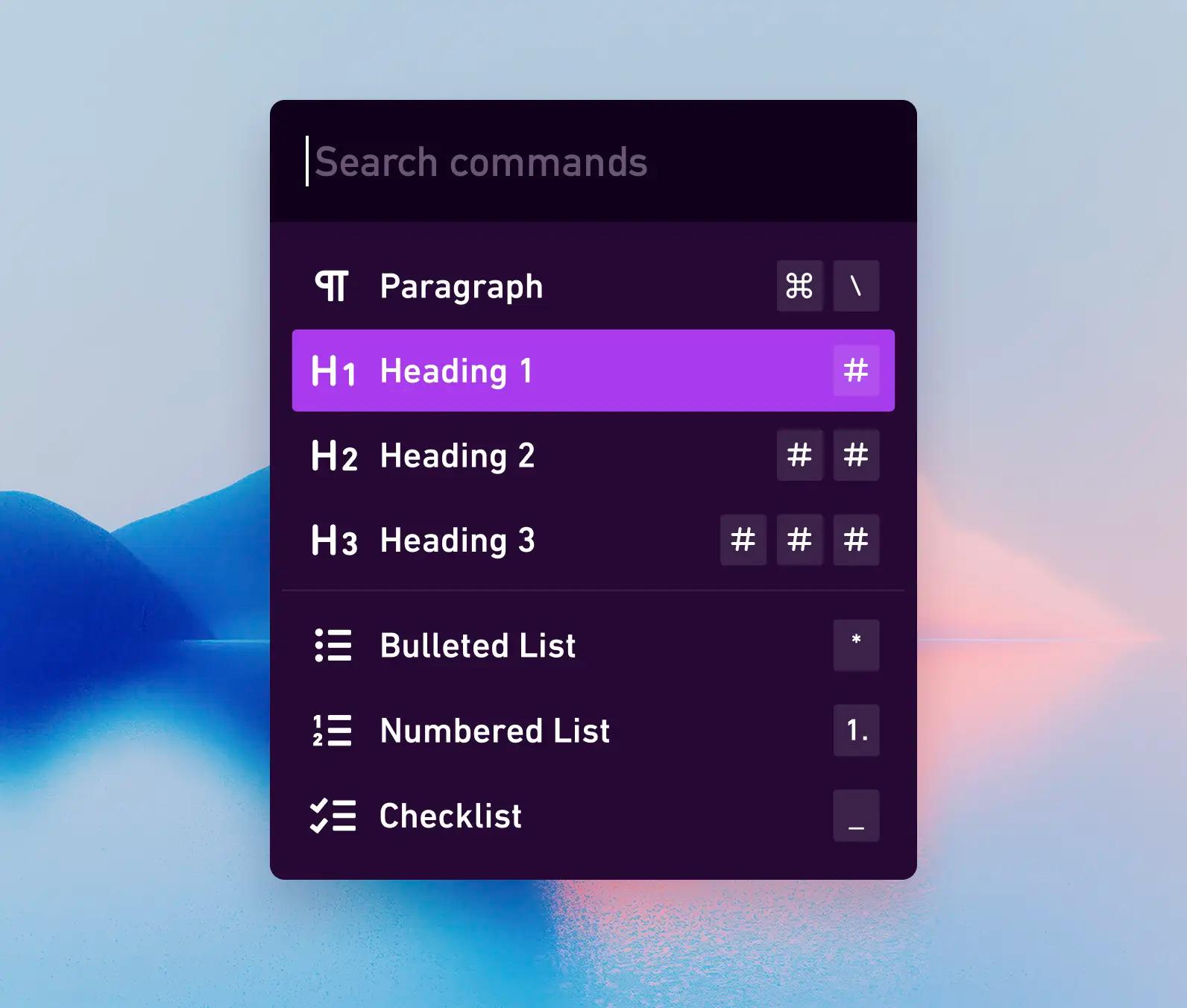
Creating a fast, familiar writing experience in Whimsical
Amy Brumet · October 25, 2023




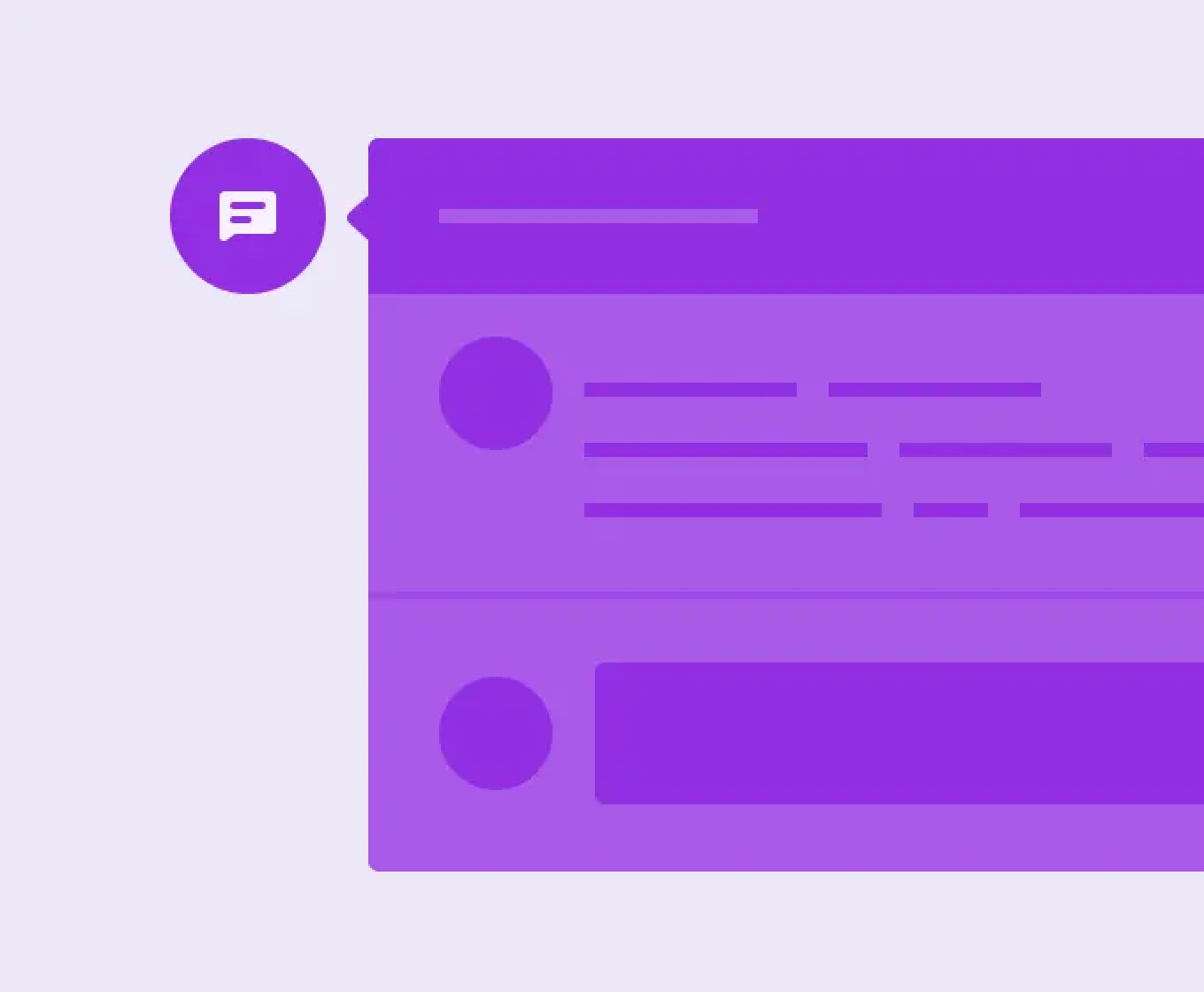
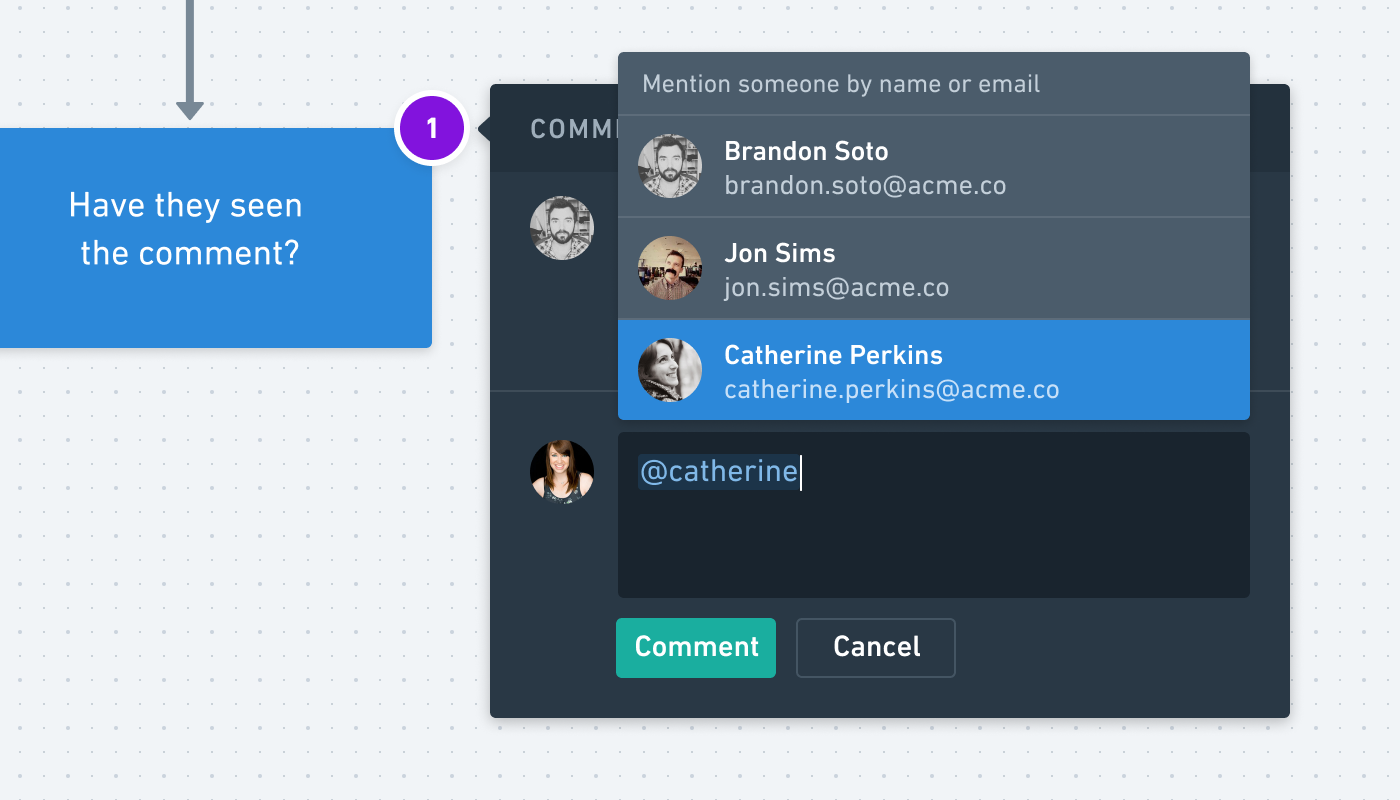
Mention your teammates in comments and they’ll get an email notification. Just type “@” and then select your teammate. Note, this is only available in team workspaces.
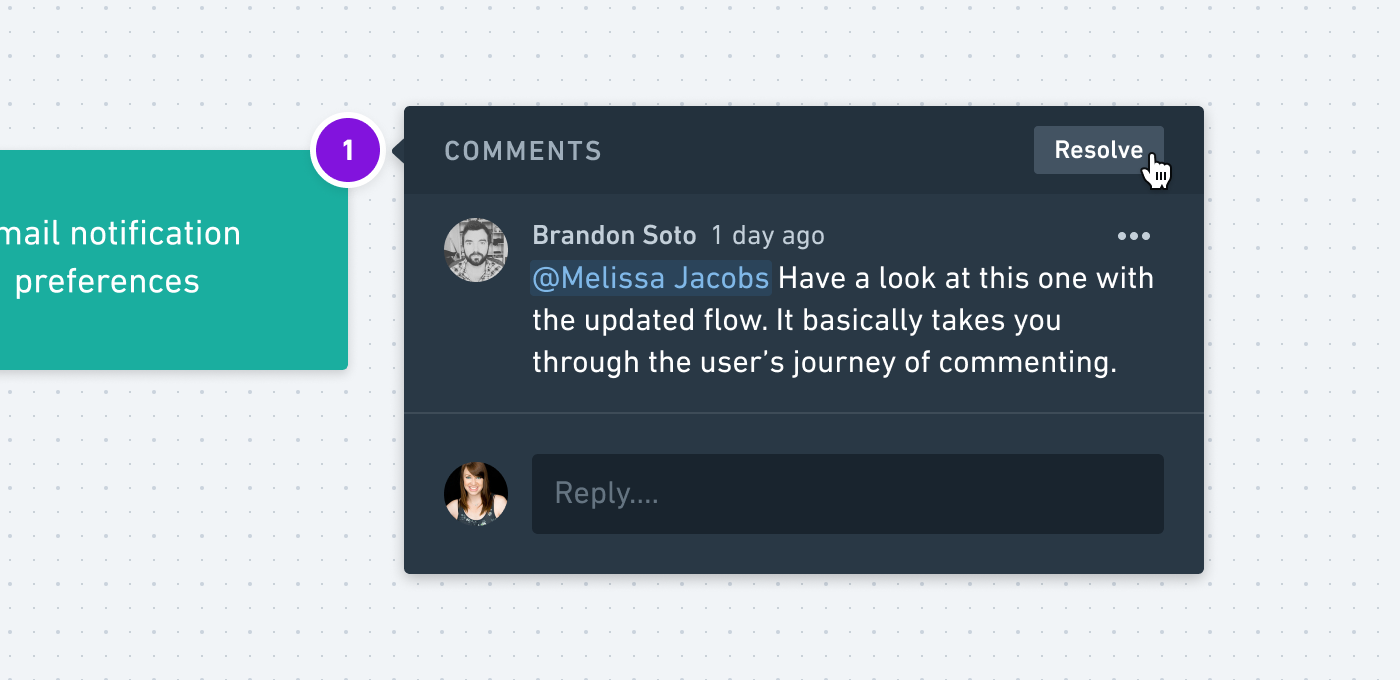
When you’re all done with a comment thread, you can resolve it. By default, resolved comments are hidden. If you’d like to view them, you can toggle this option in Comment Settings inside of the comment sidebar.
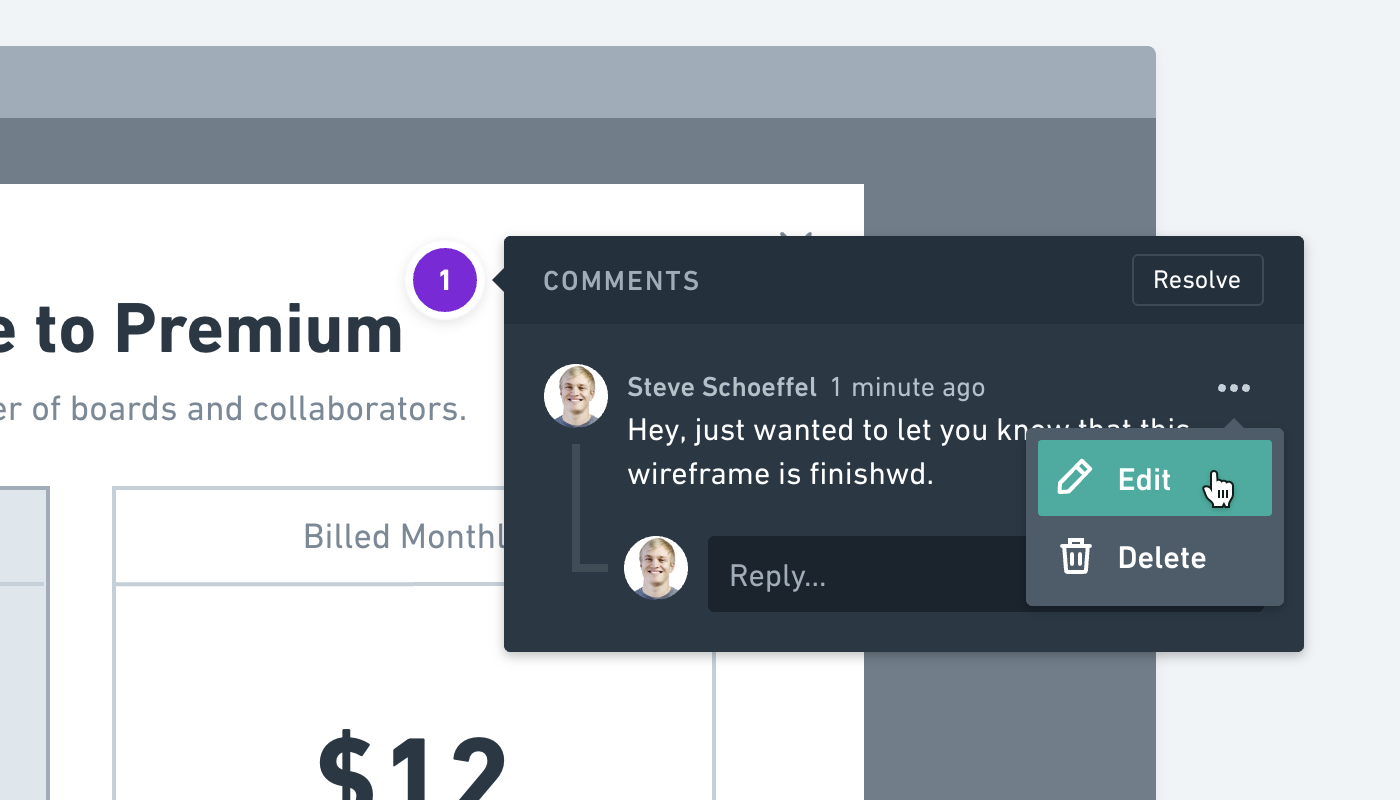
Now you can fix your typos 😀
If comments are taking too much attention or getting in your way while you’re working, you can hide them by toggling the option in Comment Settings.

If you need to include a screenshot or an image in your comment, you can paste images directly from your clipboard.

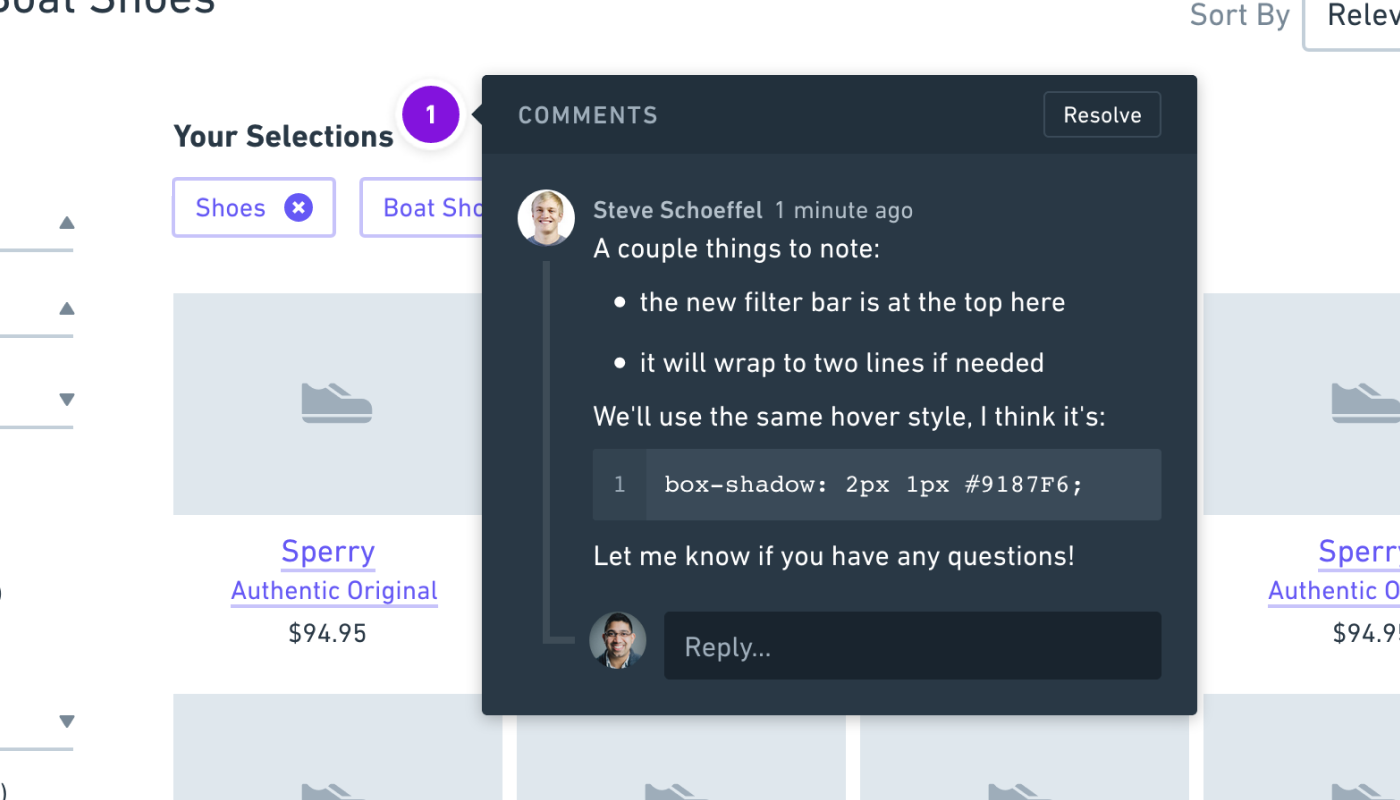
Lots of new styling options are now available inside of comments, including:
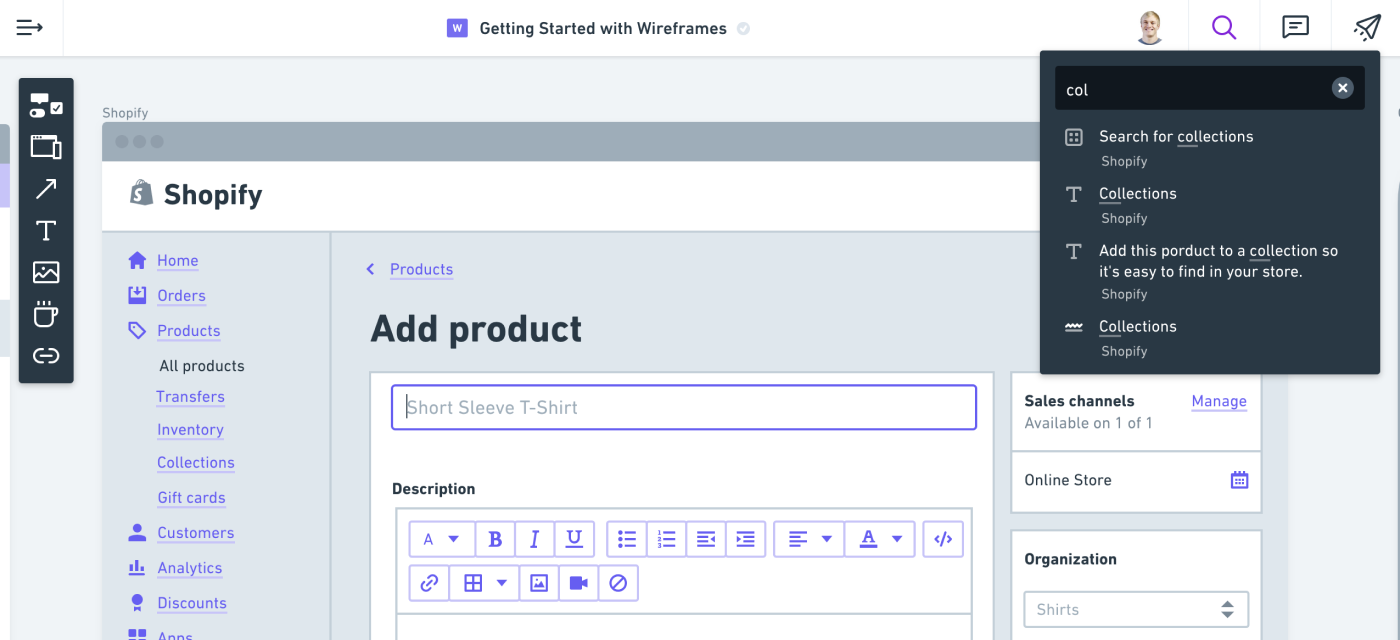
Search through all the text on the board – including comments and content inside Sticky Note cards.
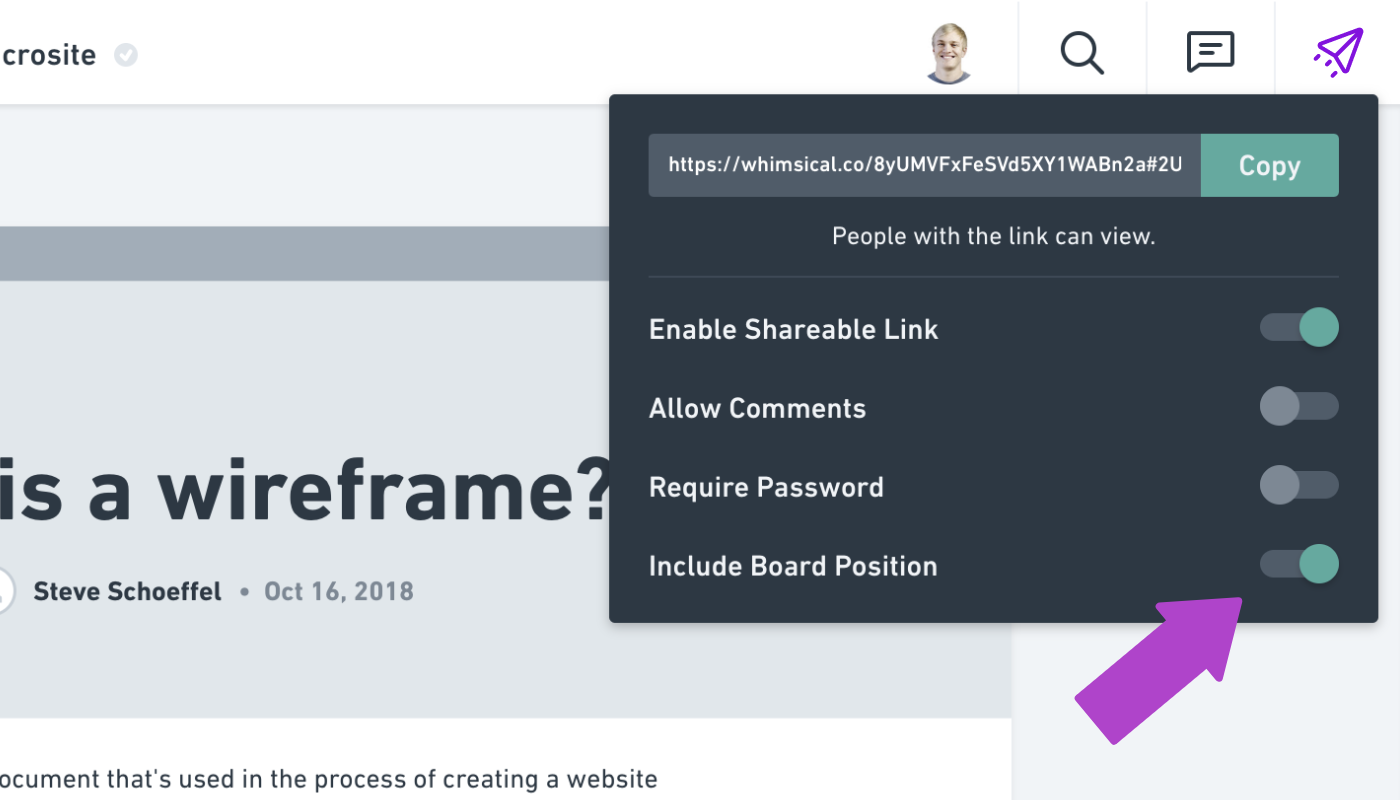
When you share a link to one of your boards, you can specify a particular part of the board that will be seen when someone opens the link. Want them to see everything? Zoom all the way out. Want them to just focus on one small portion? Zoom in to that content. Then toggle “Include Board Position” in the link sharing popup.